 CPI-Control
Monitoring for Agencies: 20 Client Projects, One Dashboard
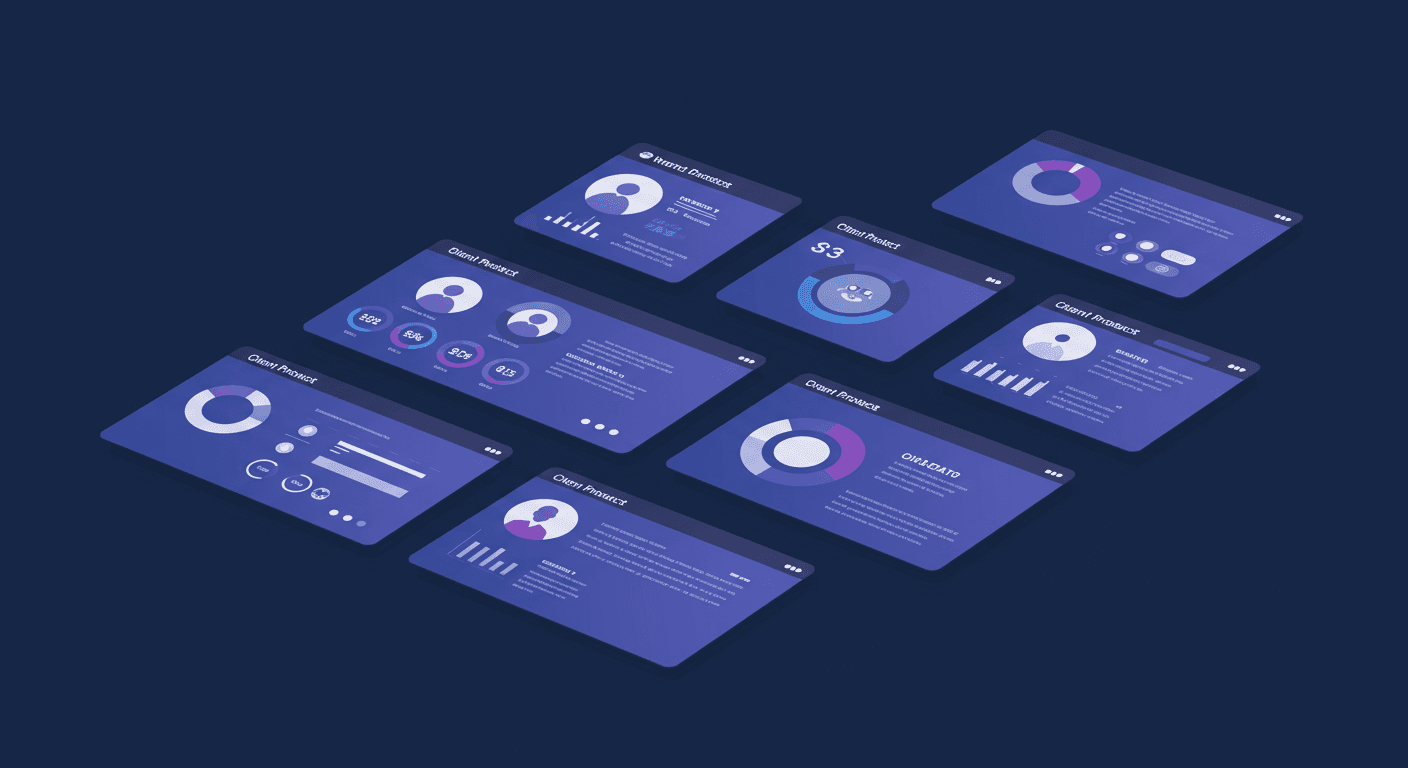
Digital agencies have a monitoring problem that most tools weren’t designed to solve. You’re managing 20 client projects, each on a different stack. Client A is on Vercel with a Next.js frontend. Client B runs Kubernetes on DigitalOcean. Client C has a legacy WordPress site on shared hosting. Client D is a React app on AWS with a separate API on a bare-metal server. And every single one of them expects you to know when their site goes down — ideally before they do.
The typical agency solution is a patchwork: Uptime Robot for basic checks, Vercel’s built-in analytics for the Vercel clients, kubectl on your laptop for the K8s clients, and hope for the rest. This works until it doesn’t — usually when Client C’s site has been down for 2 hours and they call you before your monitoring does.
Project-Based Organization
The first thing an agency needs is clean separation between clients. You don’t want Client A’s services mixed in with Client B’s in a flat list of 60 monitors. You need projects — one per client — each with its own set of services, its own status page, and its own notification settings.
CPI-Control’s project system was built for exactly this. Create a project for each client, add their services to it, and switch between clients with a single click. Each project has its own dashboard showing only that client’s services, deployments, and incidents. When Client B calls asking about their uptime last month, you don’t have to filter through 60 services to find the answer — you open their project and the data is right there.
White-Label Status Pages
Status pages have become a client expectation. Enterprise clients want a public URL where they (and their customers) can check service status without contacting you. The problem is that most status page services charge per page, and running 20 status pages on StatusPage.io or Better Stack adds up fast.
CPI-Control lets you deploy a status page for each client project on their own domain. The status page is served by the monitoring agent, branded with the client’s name and colors, and updated in real time from your monitoring data. No additional service, no per-page pricing, no separate login.
For clients, this is a professional deliverable: “Your project includes a branded status page at status.yourclient.com.” For you, it’s a differentiator that costs nothing to maintain. The status page pulls from the same monitoring data you’re already collecting, so there’s no extra configuration or duplicate monitoring setup.
Zero Per-Client Costs
This is where the math gets interesting. Most monitoring services charge per monitor, per seat, or per integration. At 20 clients with an average of 3 services each, you’re looking at 60 monitors. On Uptime Robot Pro, that’s the $29/month plan. On Better Stack, it’s significantly more. On Datadog, you don’t even want to calculate it.
CPI-Control’s free plan covers 50 services. That’s enough for most agencies to monitor every client without paying a cent. When you grow beyond 50 services, the Team plan covers 500 services — that’s 25 services per client for 20 clients, more than enough for even complex projects.
The cost structure means you can offer monitoring as a standard part of every client engagement without worrying about per-client costs eating into your margins. Monitoring goes from a cost center to a value-add that strengthens client relationships.
Multi-Provider Discovery
Agencies work with whatever infrastructure the client has. You don’t get to choose a single cloud provider and standardize — you adapt to each client’s existing stack. This means you need a monitoring tool that speaks Vercel, GitHub, Kubernetes, DigitalOcean, and plain HTTP with equal fluency.
CPI-Control’s provider adapters connect to each platform using API tokens. Once connected, services are auto-discovered: Vercel deployments, GitHub repositories, Kubernetes services and ingresses, DigitalOcean droplets. You assign discovered services to the appropriate client project, and monitoring begins immediately.
The auto-discovery is particularly valuable for Kubernetes clients. Instead of manually configuring monitors for each service, CPI-Control scans the cluster for services and ingresses, determines which are public-facing and which are internal, and creates monitors automatically. When the client deploys a new service, it appears in your dashboard without any manual configuration.
Client Onboarding in 5 Minutes
Adding a new client to your monitoring setup should take minutes, not hours. Here’s the typical workflow:
Step 1:Create a new project in CPI-Control with the client’s name.
Step 2:Add the client’s infrastructure credentials — a Vercel API token, a kubeconfig file, a DigitalOcean token, or simply the URLs of their services for HTTP monitoring.
Step 3:Auto-discovered services appear automatically. For HTTP-only monitoring, add the URLs manually. Assign everything to the client’s project.
Step 4:Deploy a status page on the client’s domain by pointing their DNS to the monitoring agent.
Step 5:Configure notification preferences — which Slack channel gets alerts for this client, whether to send email summaries, what the escalation thresholds are.
Five steps, five minutes. The client has monitoring, a status page, and you have a clean project-based view of their infrastructure.
Scaling with Your Agency
The free plan works until you hit 50 services. For a 20-client agency with 2-3 services per client, that’s comfortable. But agencies grow, clients add services, and projects get more complex.
The Team plan at 500 services gives you room to grow without changing tools. Multiple team members can access the dashboard (useful when you have dedicated project managers per client). Multiple monitoring agents can run on different networks for clients with isolated infrastructure. AI-powered diagnostics help junior team members understand incidents without escalating to senior engineers.
CPI-Control vs. 20 Separate Uptime Robot Accounts
The alternative to a unified monitoring tool is the approach many agencies actually use: separate free accounts on various monitoring services, one per client or one per stack. This works in the sense that it technically monitors things, but it fails in every practical way.
You can’t see all clients at a glance. You can’t compare uptime across clients. You can’t manage notifications centrally. You have 20 different logins, 20 different dashboards, and 20 different notification configurations. When something goes wrong at 2 AM, you’re logging into multiple services trying to figure out which client is affected and how badly.
One dashboard, one tool, all clients. That’s the agency monitoring setup that actually works under pressure.